Turn any place on Earthinto a Minecraft world
Pick a spot on the map and we build a Minecraft world from it — real buildings, real streets, real terrain. Java & Bedrock.
Free to try · From $5 · Instant download
See examples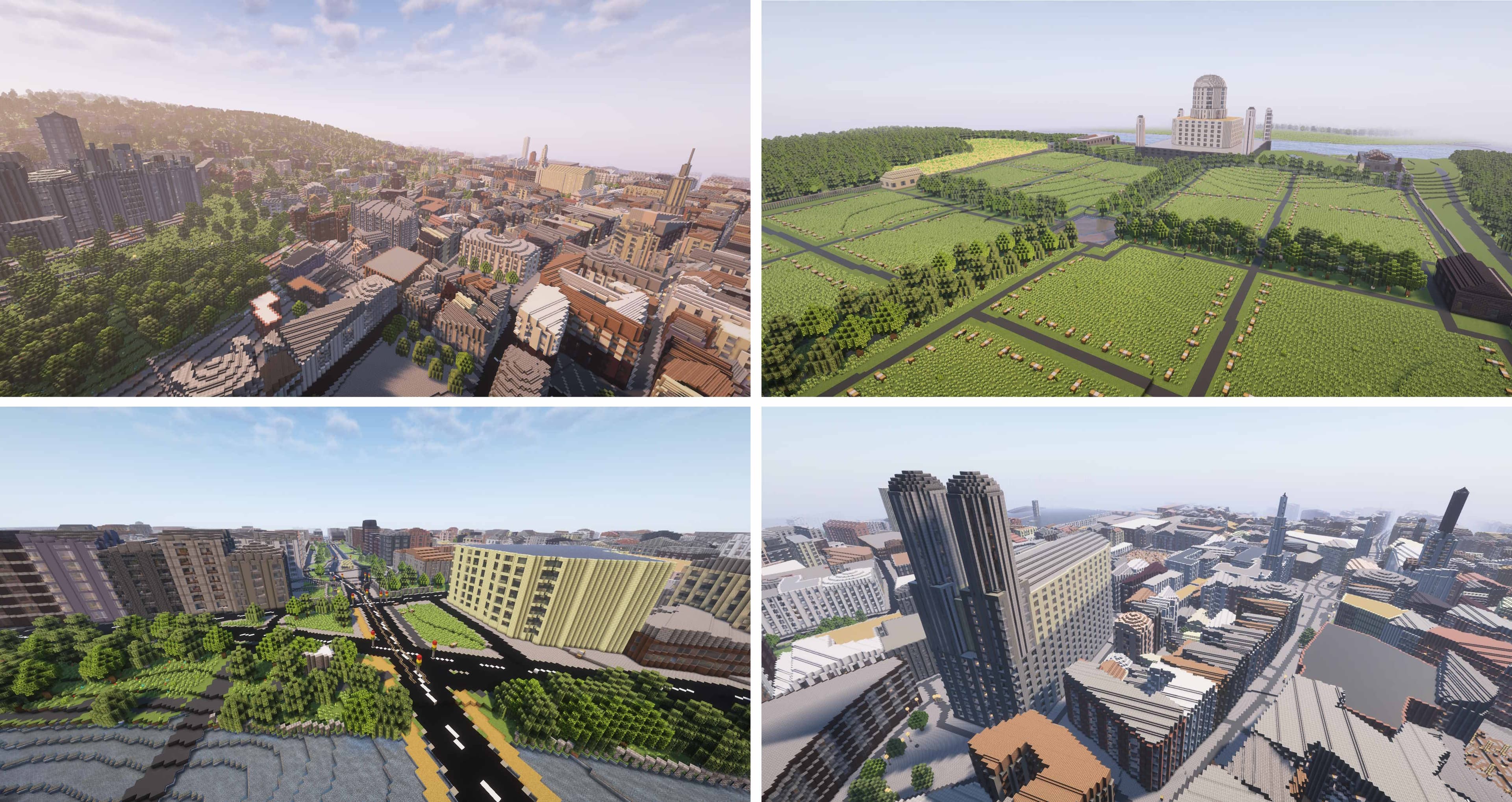
Try it right now — no download, no signup
Walk through downtown Chicago — Willis Tower, the Loop, the lakefront — as a real Minecraft world. Drag to rotate, pinch to zoom.
Like what you see? Pick any place on Earth next.
Create your own worldReal cities, block-for-block
Drag the slider to compare downtown Chicago on a real map against the same area generated as a Minecraft world. Buildings, roads, and the river all in their real positions.
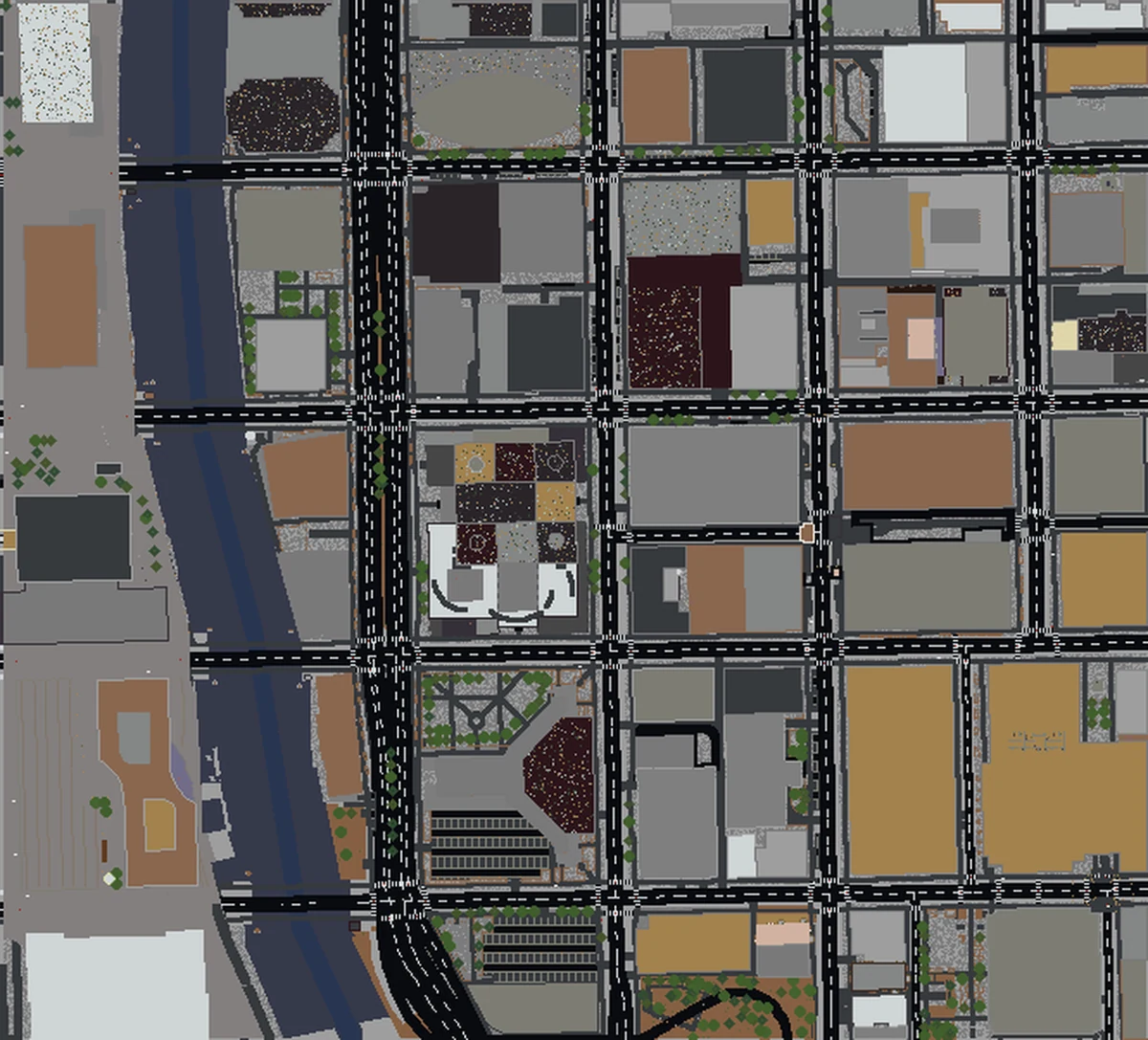
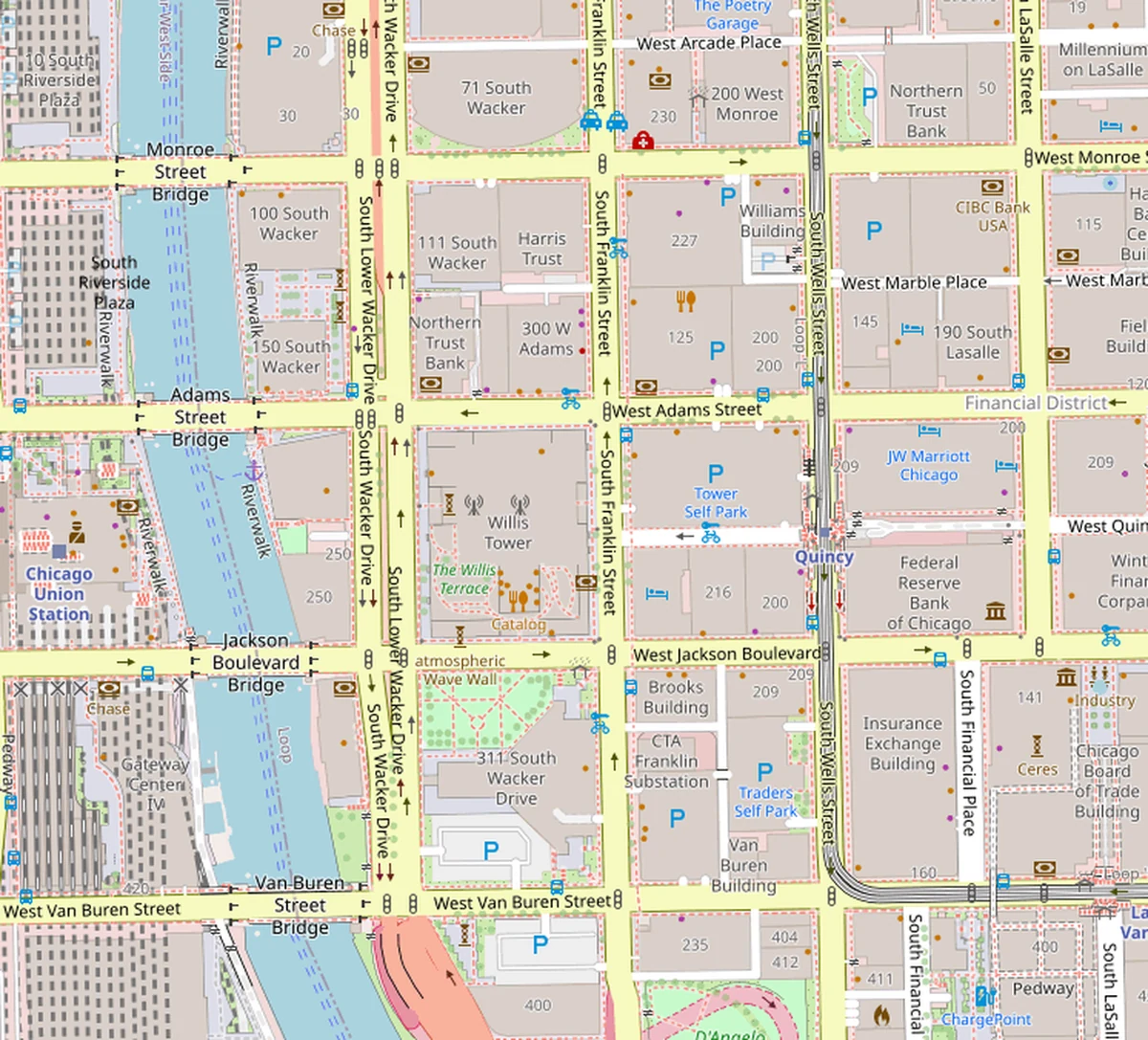
Real Cities, Block by Block
Every building, road, and park from OpenStreetMap — transformed into a playable Minecraft world with real elevation data.
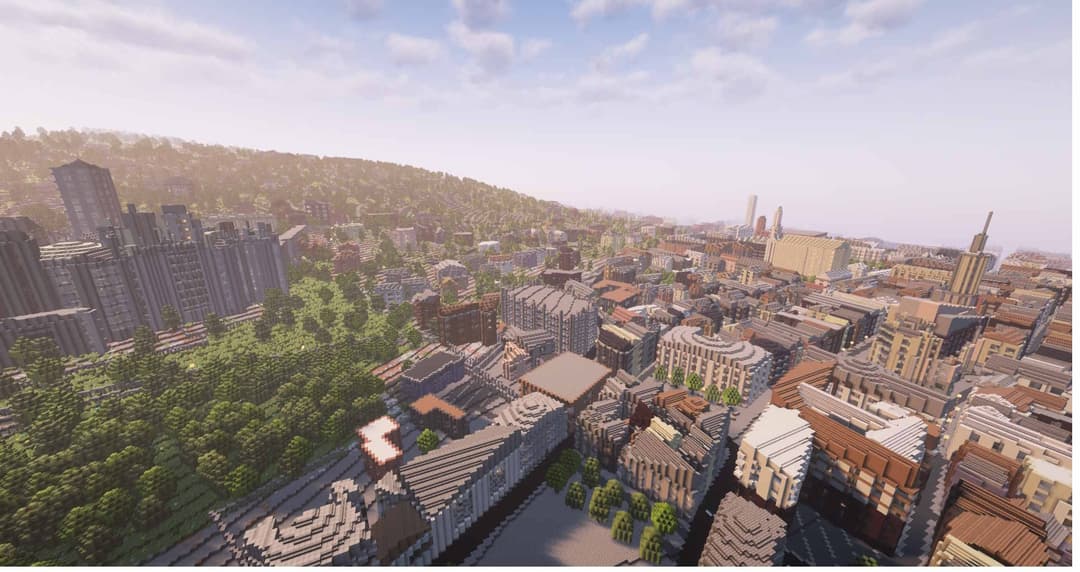
Historic City Center
Dense streets, churches, and brick row houses faithfully recreated block by block.
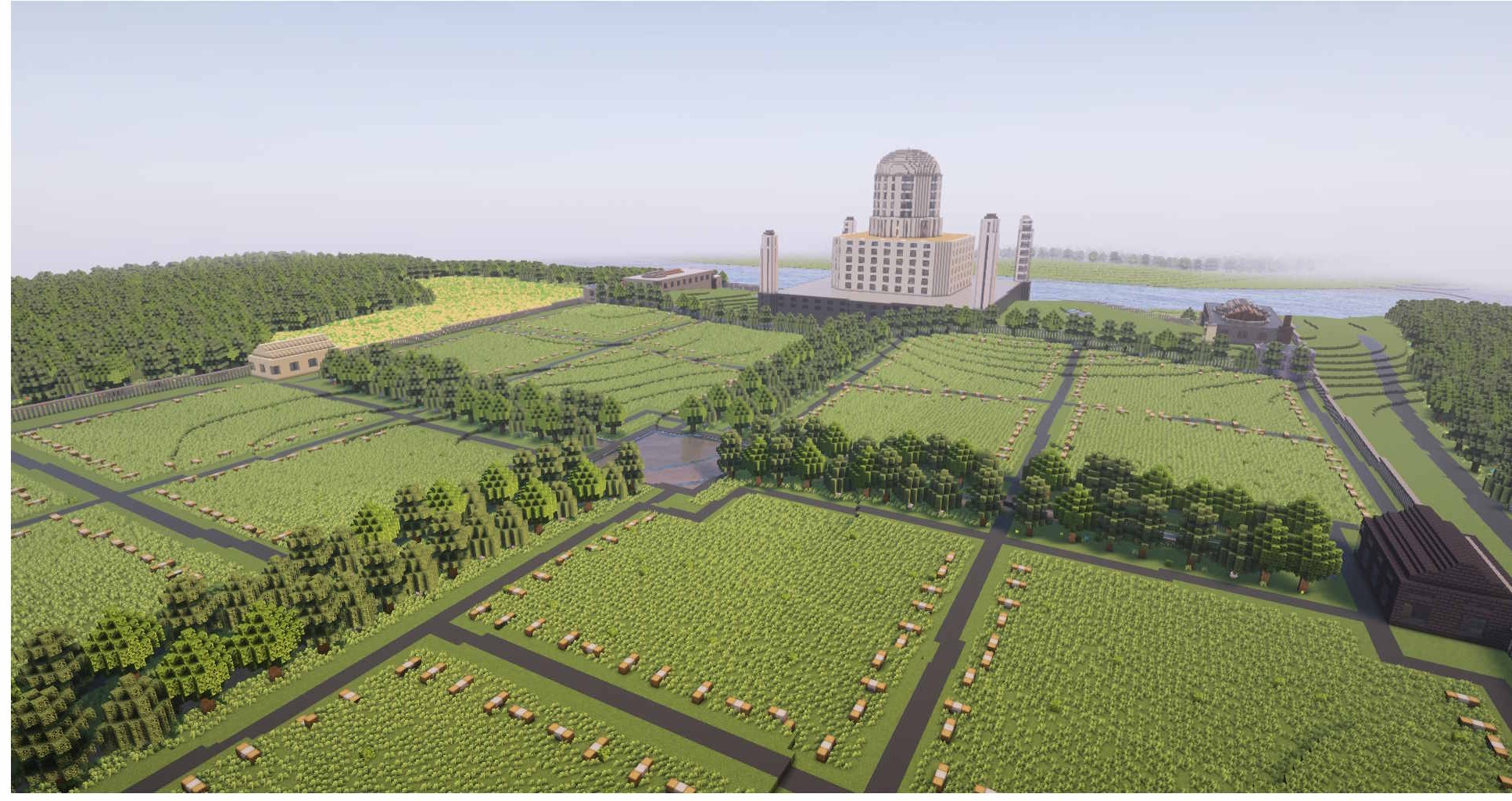
Parks & Countryside
Open fields, tree lines, and landmarks surrounded by lush terrain.
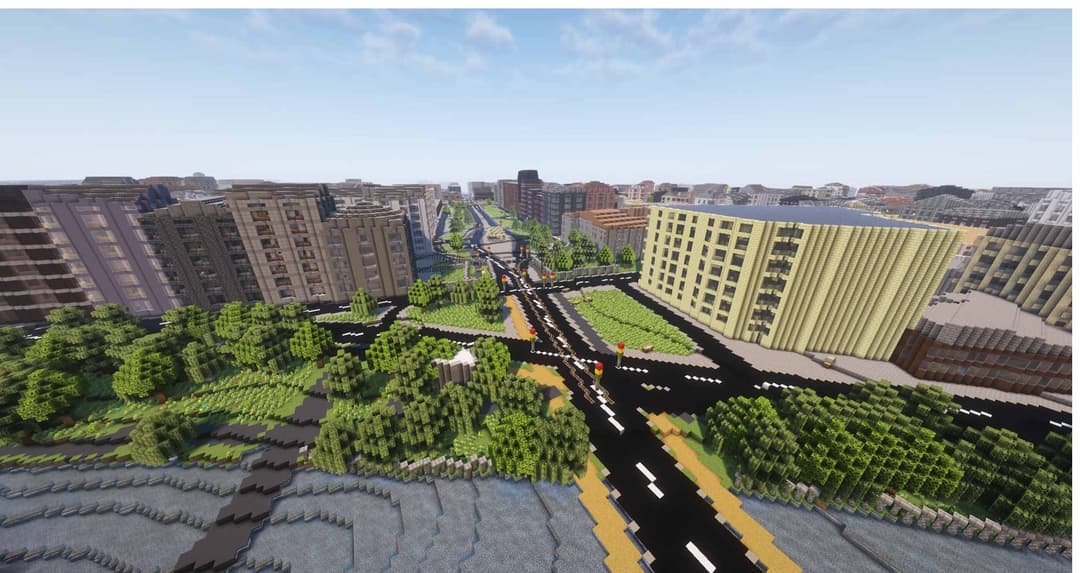
Urban Intersections
Wide boulevards, traffic circles, and mixed-use buildings at true scale.
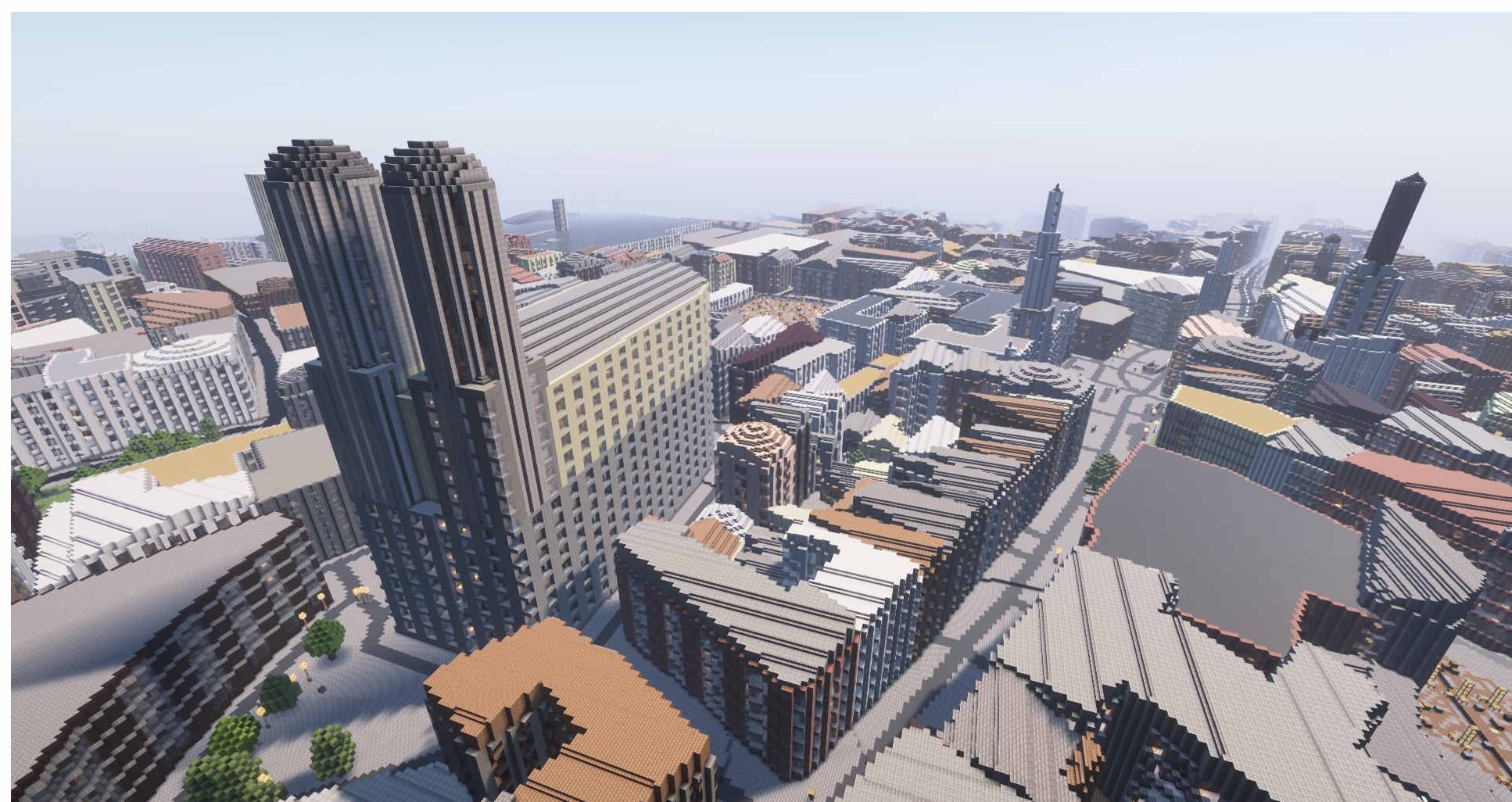
Downtown Skyline
Skyscrapers, office towers, and dense high-rises reaching into the clouds.
Popular cities
Ready-to-generate worlds for iconic places
How It Works
Select Location
Choose any area on the map by drawing a rectangle. Search for cities, landmarks, or coordinates.
Generate World
Our engine converts OpenStreetMap data into a detailed Minecraft world with buildings, roads, and terrain.
3D Preview
Explore an interactive 3D preview of your generated world before purchasing. Rotate, zoom, and inspect.
Download & Play
Get your world as a ready-to-play file for Java or Bedrock Edition. Drop it in your saves folder and go.
Pricing
Pay per map for one-offs, or go Pro for unlimited generations any size, all month.
Cancel anytime \u00B7 Java & Bedrock \u00B7 Powered by OpenStreetMap
- Under 1 km² · $5
- 1–5 km² · $10
- 5–25 km² · $20
- Java & Bedrock formats
- Instant download
- Unlimited generations up to 100 km²
- Priority generation queue
- Re-download any past world
- 3D preview never expires
- Cancel anytime
- Everything in Pro Monthly
- Effectively $16.58/mo
- One charge, twelve months
- Cancel anytime via Stripe portal
Already a Pro subscriber?
Enter the email you subscribed with to unlock free downloads on this device — no need to pay again.
Frequently Asked Questions
What file format do I get?
Do I need any mods?
How long does generation take?
What data is used to build the world?
Can I use the world on a Minecraft server?
Can I preview before buying?
Ready to Build Your World?
Pick any place on Earth and turn it into a Minecraft masterpiece in minutes.
Start CreatingFree to try · From $5 · Instant download